
import torch
from diffusers import DiffusionPipeline

# switch to "mps" for apple devices
pipe = DiffusionPipeline.from_pretrained("mirav/newmoon", dtype=torch.bfloat16, device_map="cuda")

prompt = "Astronaut in a jungle, cold color palette, muted colors, detailed, 8k"
image = pipe(prompt).images[0]If you like my work, consider supporting me.
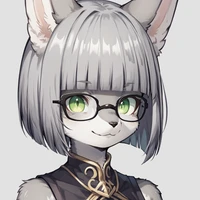
NewMoon: Soft, bright colors.
ChamomileTea: Darker, moodier colors.
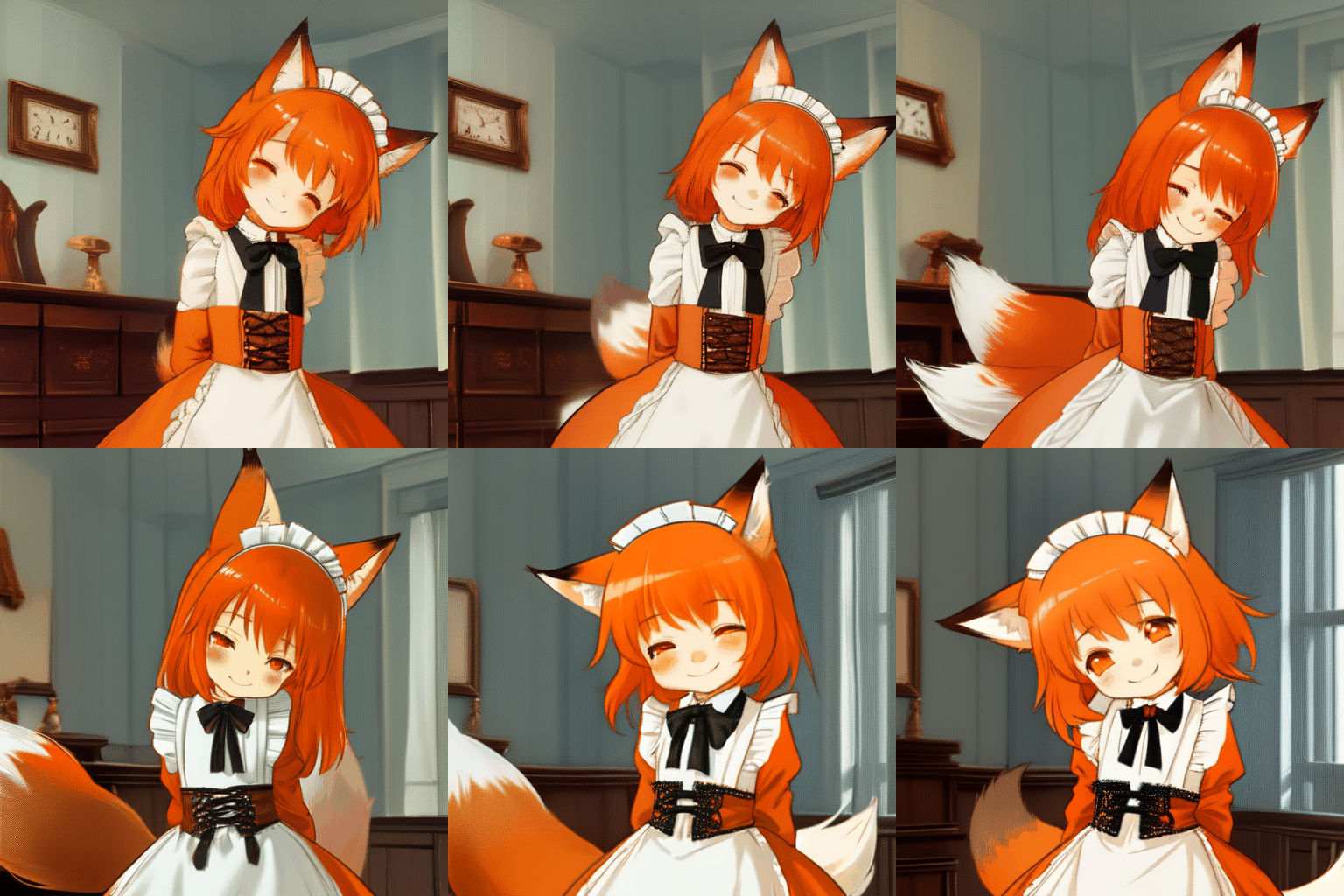
TestMoon: Alternate style. Very cute, but a bit flawed.
NewMoonTest2A: Alternate style. Soft, flat, and cute, but harder to work with.
newmoon.yaml: sample prompt for animatediff
NewMoon_clip_l.safetensors: Extracted CLIP for advanced model merging.



- Downloads last month
- 54